
GHL Custom CSS for Non-Coders: The Ultimate No-Fear Guide (2026)
Are you a coach or consultant who feels like your GoHighLevel (GHL) funnel is “trapped” in a generic template? You know your branding is premium, but your landing page looks like everyone else’s. You’ve heard that GHL Custom CSS is the secret to those high-end, “SaaS-style” funnels, but the thought of looking at code feels overwhelming.
This is the only guide you will ever need to master CSS in GoHighLevel without actually becoming a programmer. We are going to break down the “No-Fear” method for transforming your funnel from a basic template into a professional, high-converting digital asset.
The “Why” Before the “How”: Why Coaches Need CSS in 2026
In 2026, the coaching market is more crowded than ever. If your discovery call funnel looks identical to a low-ticket amateur’s page, you will struggle to close $5k+ clients.
Read this: GHL Opt-In Page Design: 7 Best Practices for High-Converting Forms
The Psychological Impact of Design
When a high-ticket prospect lands on your page, they make a judgment in 0.05 seconds. If the page feels “default,” they subconsciously associate your coaching with “default” results. Custom CSS allows you to:
As we discussed in our guide on , the difference between a “DIY” look and a “Designer” look usually boils down to about 50 lines of CSS.
CSS Basics for the “Code-Phobic”
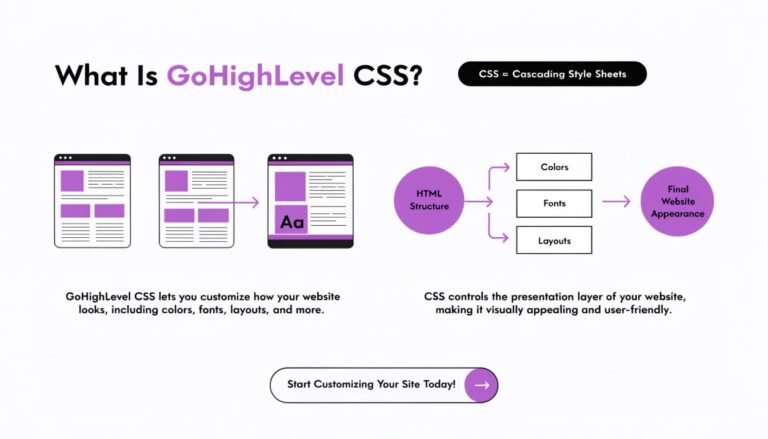
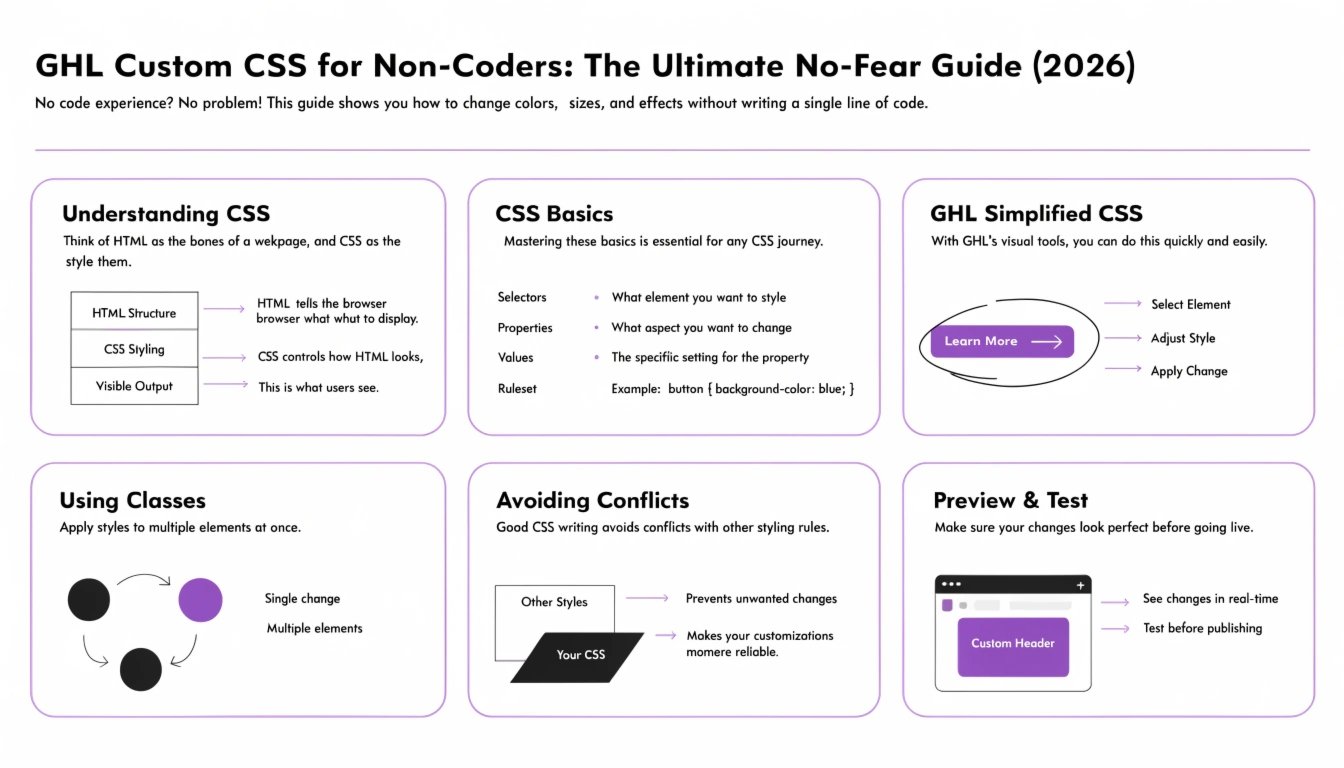
CSS stands for Cascading Style Sheets. Think of GoHighLevel as the “skeleton” and “muscles” of your house (the structure), and CSS as the paint, wallpaper, and lighting (the design).
The Three Parts of a CSS Command
You don’t need to write code from scratch, but you should understand what you are pasting into your GHL settings:
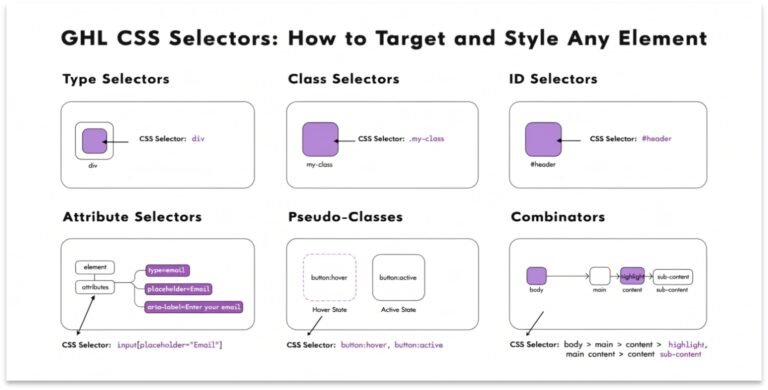
- The Selector: This tells GHL which part of the page you want to change (e.g., a button, a headline).
- The Property: This tells GHL what you want to change (e.g., the color, the border-radius).
- The Value: This tells GHL how much to change it (e.g., make it red, make it 25px rounded).
Selector { Property: Value !important; }
Note: In GHL, we almost always use !important to make sure our custom code “wins” against the default template styles.
How to Find Anything: The “Inspector” Secret
The biggest fear for non-coders is not knowing what to target. You don’t have to guess. Every browser has a “Superpower” tool called the Inspector.
This is your “Target.” Once you have this, you can apply any style you want. For a deeper dive into this specific skill, read our .
The “No-Fear” Implementation: Where to Put the Code
GHL is unique because it gives you multiple places to hide your “paint.” Putting code in the wrong place is the #1 reason funnels break.
The Global CSS Box (Recommended)
This is located in Settings > Custom CSS within the funnel builder.
- Use this for: Buttons, fonts, and site-wide branding.
- Why: It keeps everything organized in one place.
The Page-Specific CSS Box
This is found in the Tracking Code > Custom CSS section of an individual page.
- Use this for: One-time effects, like a special design on your checkout page.
The Membership CSS Box
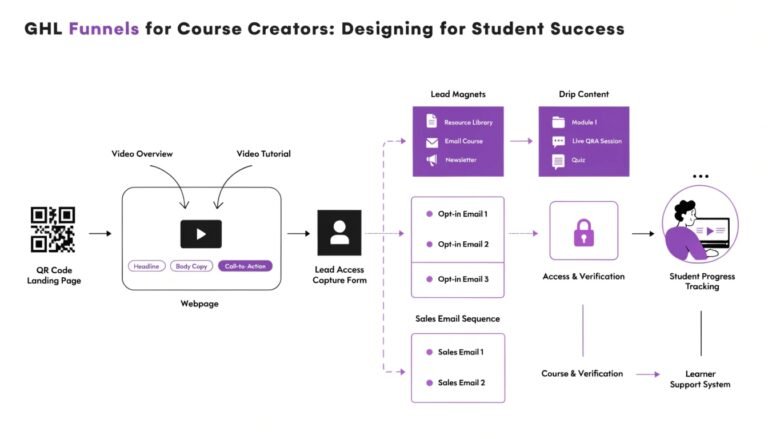
If you are styling a course, you must go to Memberships > Settings > Custom JS/CSS. This is a separate “world” from your funnels. See our for specific snippets.
Top 5 “Instant Upgrade” Snippets for 2026
If you only use these five snippets, your funnel will already look better than 90% of your competitors.
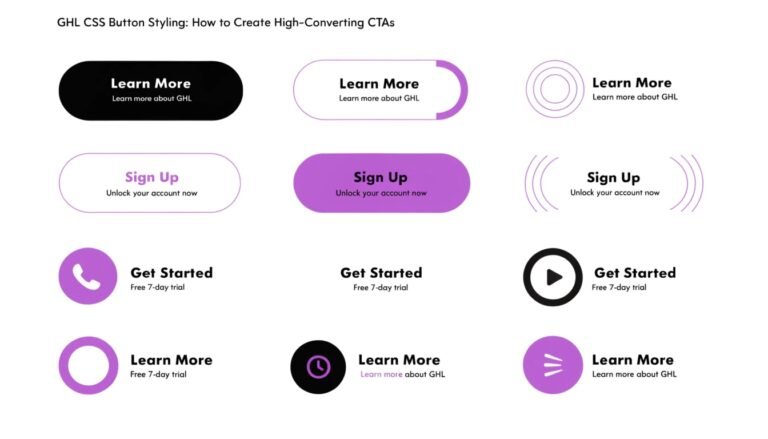
The “SaaS” Button Glow
Standard buttons are flat. Premium buttons glow when you hover over them.
Modern Section Spacing
Default GHL sections are often too “tight.” Give your content room to breathe.
Glassmorphism Card Style
Perfect for pricing tables or testimonial cards.
Pair this with a colorful background for the best effect. Learn more in our .
Custom Heading Underline
Standard underlines look like 1995. This snippet creates a modern, branded “accent” line.
Mobile Font Smoothing
Ensures your look sharp and clear on Retina displays (iPhones).
Avoiding the “Broken Funnel”: CSS Best Practices
The “No-Fear” method works because it follows a safety protocol. If you follow these three rules, you will never break your funnel.
Troubleshooting: Why Isn’t My CSS Working?
If you paste code and nothing happens, don’t panic. It is usually one of these three things:
When to “Do It Yourself” vs. When to Hire a Specialist
As a coach, your time is worth hundreds of dollars per hour.
- DIY if: You want to change a button color, round some corners, or update a font.
- Hire a Specialist if: You want complex animations, a completely custom , or a “Netflix-style” membership area.
Our offers productized CSS upgrades starting at just $47. Instead of spending 5 hours watching YouTube tutorials, you can have a professional “Skin” applied to your funnel in 48 hours.
Read this: GHL Order Form CSS: How to Style a Premium Checkout Experience
Conclusion: Your Funnel is a Reflection of Your Brand
GHL Custom CSS isn’t about being a “techie.” It’s about being a professional. By taking control of your funnel’s design, you are telling your audience that you care about the details, you value quality, and you are a leader in your space.
Start small. Change one button. Update one font. Once you see how easy it is to move away from the “GHL look,” you’ll never go back to basic templates again.