GHL Glassmorphism CSS: How to Create Modern “Blur” Effects
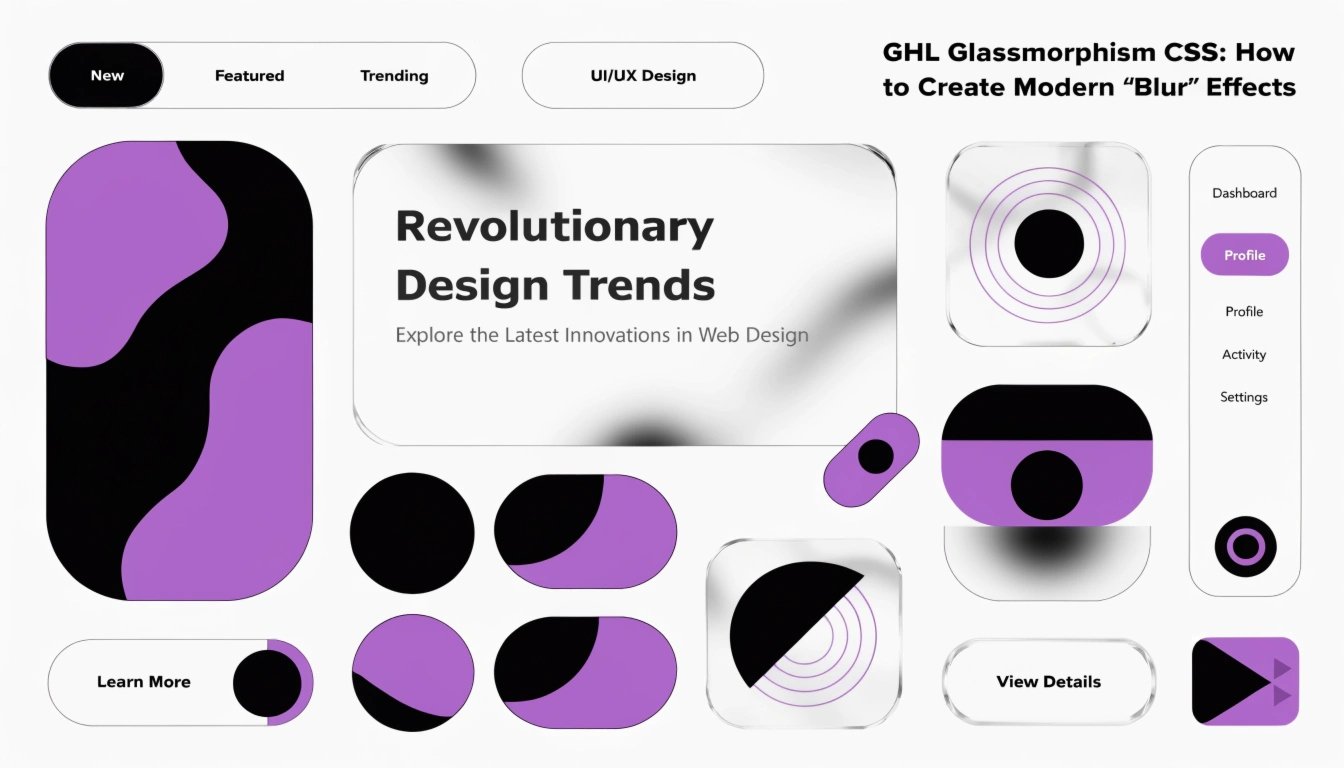
Do you want your GoHighLevel (GHL) funnels to look like a modern mobile app? Glassmorphism is a design style that uses transparency and blur to create a “frosted glass” look. By using GHL CSS, you can make your forms and sections look like they are floating over your background.
In this guide, we will show you how to use the “backdrop-filter” property to create this premium effect. This is a great way to make your GHL CSS Buttons and cards stand out.
What is Glassmorphism?
Glassmorphism is all about layers. It makes an element look transparent but slightly blurry, like a sheet of frosted glass. It works best when you have a colorful or high-quality image in the background.
Key Features of Glassmorphism:
Where to Add Glassmorphism CSS in GHL
To create this look, you need to target a specific Section or Row.
Before you start, make sure you know how to find your GHL CSS Selectors so you target the right part of your page.
Standard GHL Sections vs. Glassmorphism Design
| Feature | Standard GHL Section | Glassmorphism CSS |
| Background | Solid Color or Image | Semi-Transparent Blur |
| Feel | Traditional Website | Modern App / SaaS Feel |
| Visual Depth | Flat | Multi-Layered |
| Border | Thick or None | Ultra-Thin “Glass” Edge |
The Essential Glassmorphism CSS Snippet
Copy this code into your GHL account to get the look instantly. Replace #your-section-id with your actual ID.
CSS
#your-section-id {
  background: rgba(255, 255, 255, 0.15) !important;
  backdrop-filter: blur(10px) !important;
  -webkit-backdrop-filter: blur(10px) !important;
  border: 1px solid rgba(255, 255, 255, 0.2) !important;
  border-radius: 20px !important;
  box-shadow: 0 8px 32px 0 rgba(0, 0, 0, 0.2) !important;
}
Pro Tip: Using Gradients
Glassmorphism looks amazing when placed over a colorful gradient. Use a bright background to make the “frosted” effect more visible to your visitors.
Best Practices for Glassmorphism
Check Browser Support
Most modern browsers (Chrome, Safari, Edge) support the blur effect. However, some older browsers might just show a transparent box. Always set a “fallback” background color just in case.
Don’t Overuse It
If every section on your page is “glass,” it can become hard for the user to focus. Use it for your main Lead Form or your Pricing Cards to make them the center of attention.
Focus on Text Readability
Because the background is transparent, text can sometimes be hard to read. Use dark text on a light glass effect, or white text on a dark glass effect to keep your GHL Mobile Responsive score high.
Frequently Asked Questions (FAQs)
Can I use Glassmorphism on GHL forms?
Yes! You can apply this code to your form containers to make your opt-in boxes look incredibly modern and professional.
Does the blur effect slow down my site?
Backdrop blur takes a little bit of “GPU power” from the user’s computer, but for most people, it will not affect the page speed at all.
Can I change the “frost” level?
Yes. In the code above, change blur(10px) to a higher number like 20px for a thicker frost, or a lower number like 5px for a clearer look.
Conclusion
GHL Glassmorphism is one of the best ways to prove to your clients that you are a top-tier agency. It takes a standard funnel and turns it into a high-end digital experience. Use the snippet above on your next project and watch how it upgrades your design game instantly!